
Does Incognito Mode Save History? What's Actually Stored
Does incognito mode save your browsing history? Here's exactly what Chrome keeps and what it throws away in incognito, and how to keep a private record if you want one.
June 1, 2026
It’s one of the most-searched questions about private browsing: does incognito mode actually save my history? The short answer is no, but the full answer is more nuanced, and worth understanding before you rely on it.
What incognito does not save
While you browse in incognito, Chrome keeps your activity out of the places it normally records it. When you close your last incognito window, Chrome discards:
- Your browsing history: visited pages are never added to your normal Chrome history.
- Cookies and site data: you’re effectively signed out and forgotten when the session ends.
- Form and search entries you typed during the session.
So once incognito closes, there’s no list of pages on your device to look back at. That’s why Ctrl+Shift+T can’t reopen an incognito tab and why people assume incognito history is impossible to see.
What incognito does not hide
Here’s the part the name oversells. Incognito makes your browsing private on your own device. It doesn’t make you invisible on the network. Even in incognito:
- Your employer or school can often see traffic on their network.
- Your internet service provider can see the sites you connect to.
- Websites themselves still see your visit while you’re on them.
Incognito is about not leaving traces locally, not about anonymity online.
What if you want a record?
Plenty of people use incognito for everyday browsing and then wish they could glance back at a page they had open. Because Chrome throws everything away, you’re out of luck by default.
Incognito Reopen & History closes that gap on your terms. It keeps a private history of your incognito browsing, stored only on your own device and never uploaded, so you can reopen pages and closed tabs whenever you need to.
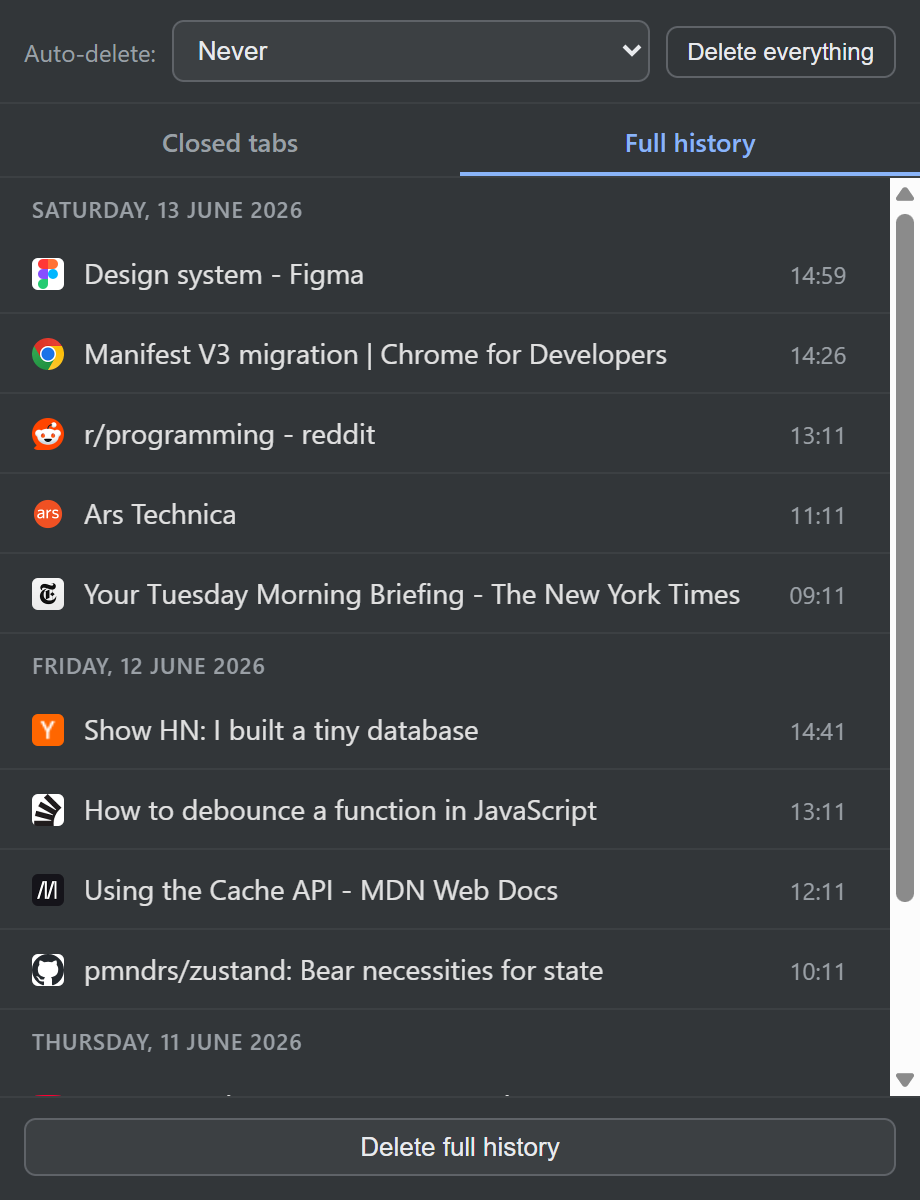
And because it’s your record, you control its lifespan: keep it, wipe it the moment your last incognito window closes, or expire it after a set number of days.
Want to set it up? Here’s how to see your incognito browsing history.
Install Incognito Reopen & History to keep what you want and forget the rest. It’s free.